Dominate Your Competition

🚀 Get More 5⭐️ Google Reviews

Asking for a review face-to-face almost guarantees an immediate review when its as easy as a tap or scan.

✅ Rank Higher On Google Search

Reviews give you a natural boost in SEO, ranking you above competitors, especially in regards to local ranking.

🤝 Build Trust Online

Customers always take reviews into account when deciding on which business to use. Having a large number of 5 star reviews builds trust.

📈 Attract More Customers

Ranking above your competitors on Google, with more Google reviews, a higher rating, and more trust among consumers will bring in more customers to your business.

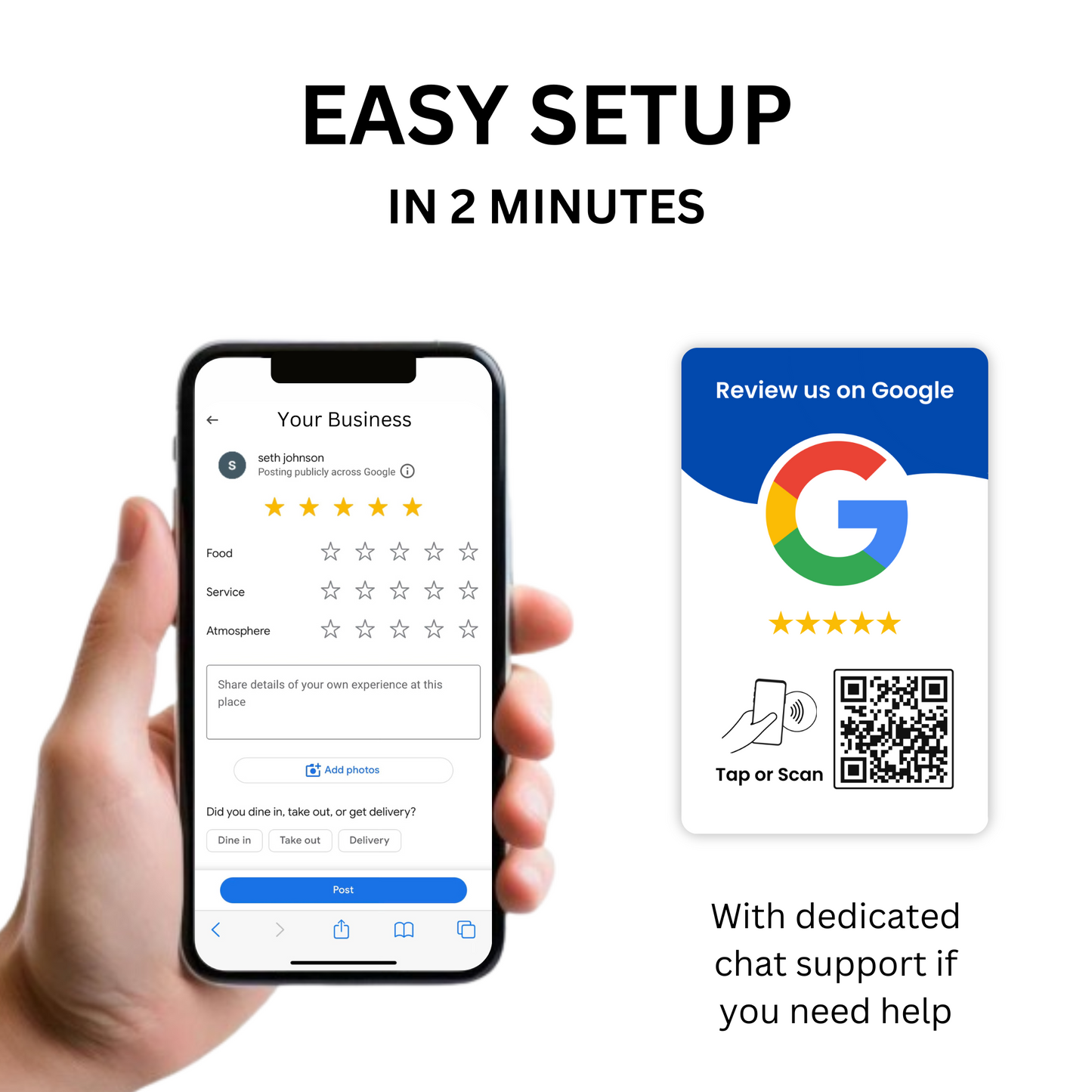
  • Easily Setup Your Google Review QR Code In 2 Minutes
  • Best Google Review Card with a Google Review QR Code

Video Demonstration

Collection: Google Review Cards

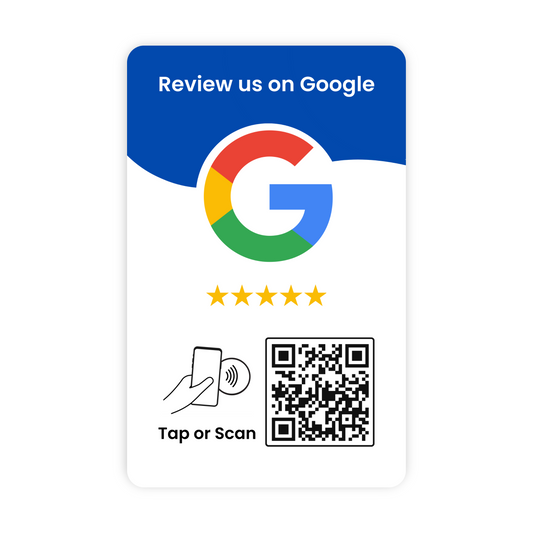
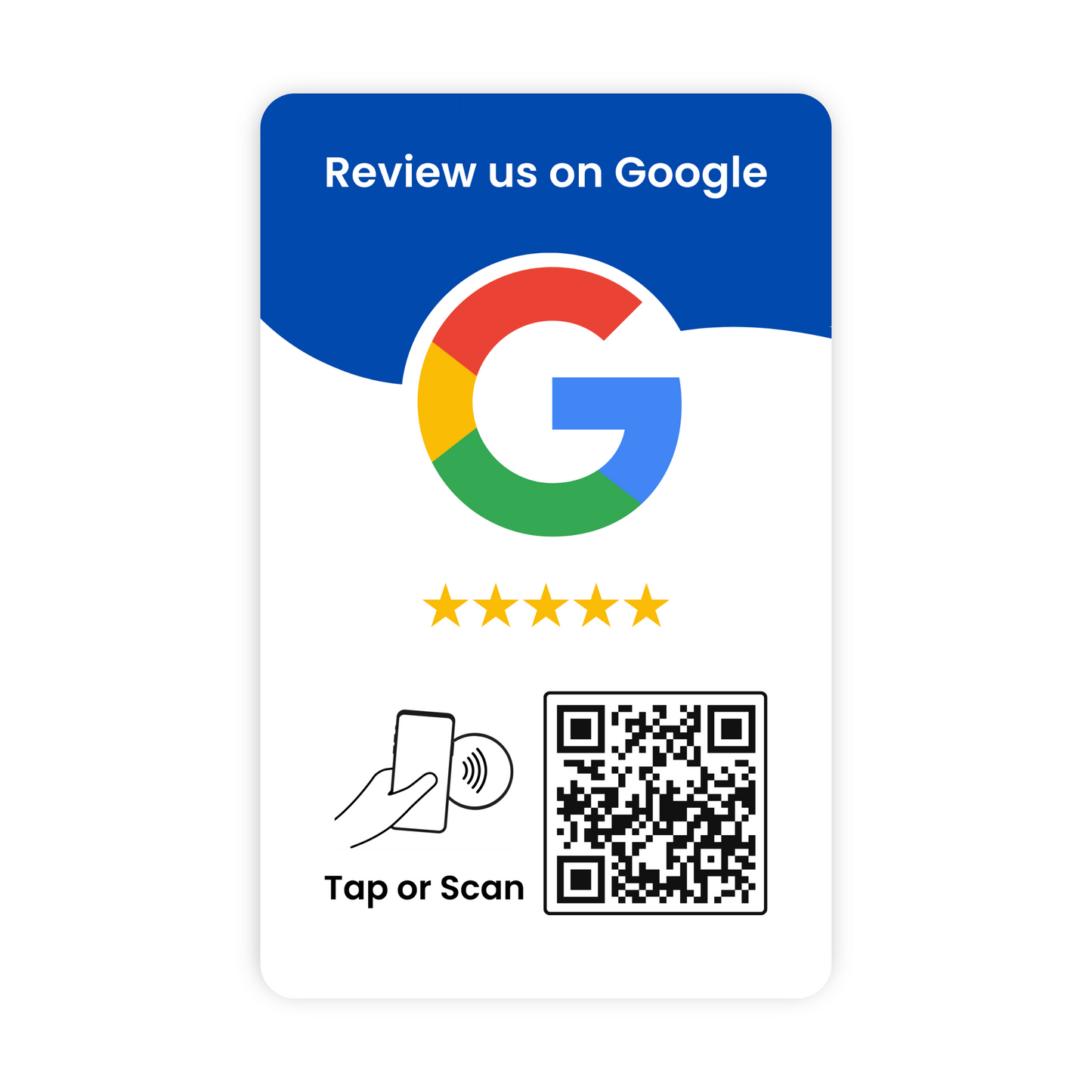
Our Google review cards have an NFC chip and a printed QR code. A customer taps the card with their phone or scans the code, and your Google "write a review" form opens right away. There is no app to download and no monthly fee.

How a Google review card works

Asking for a review only works if leaving one is easy. Most customers mean to write a review and forget by the time they get home. A review card lets them do it on the spot: tap, write a few words, pick a star rating, done.

Each card carries two ways in. The NFC chip works with a tap on most modern iPhones and Android phones. The QR code works with any phone camera, so nobody is left out.

Setup takes a few minutes

  1. Scan your new card and create a free Taps Reviews account.
  2. Search for your business and select it. The card is linked to your Google review form automatically. If your business doesn't come up, paste your Google review link instead.
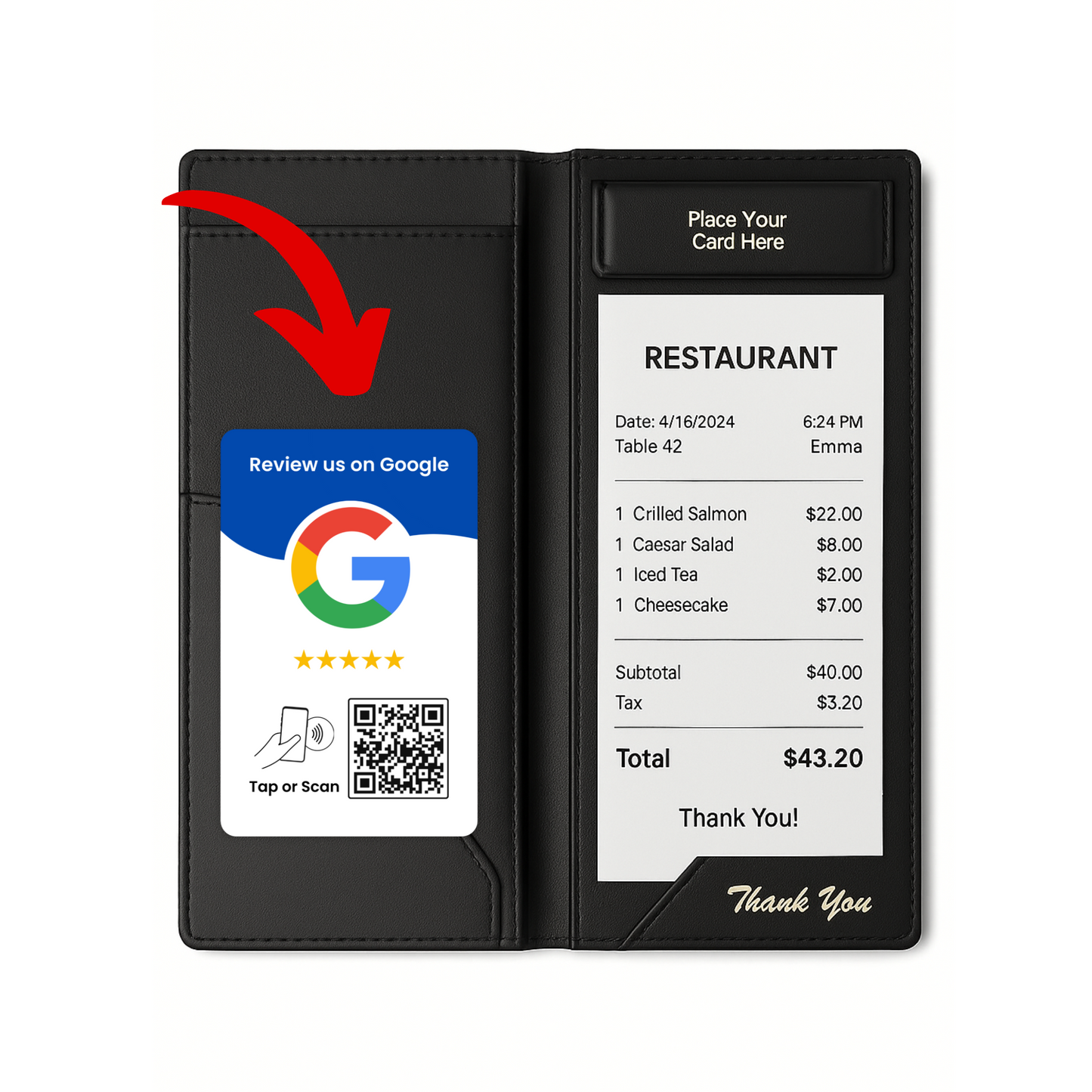
  3. Hand the card to customers at checkout, tuck it in a check presenter, or keep one at each register.

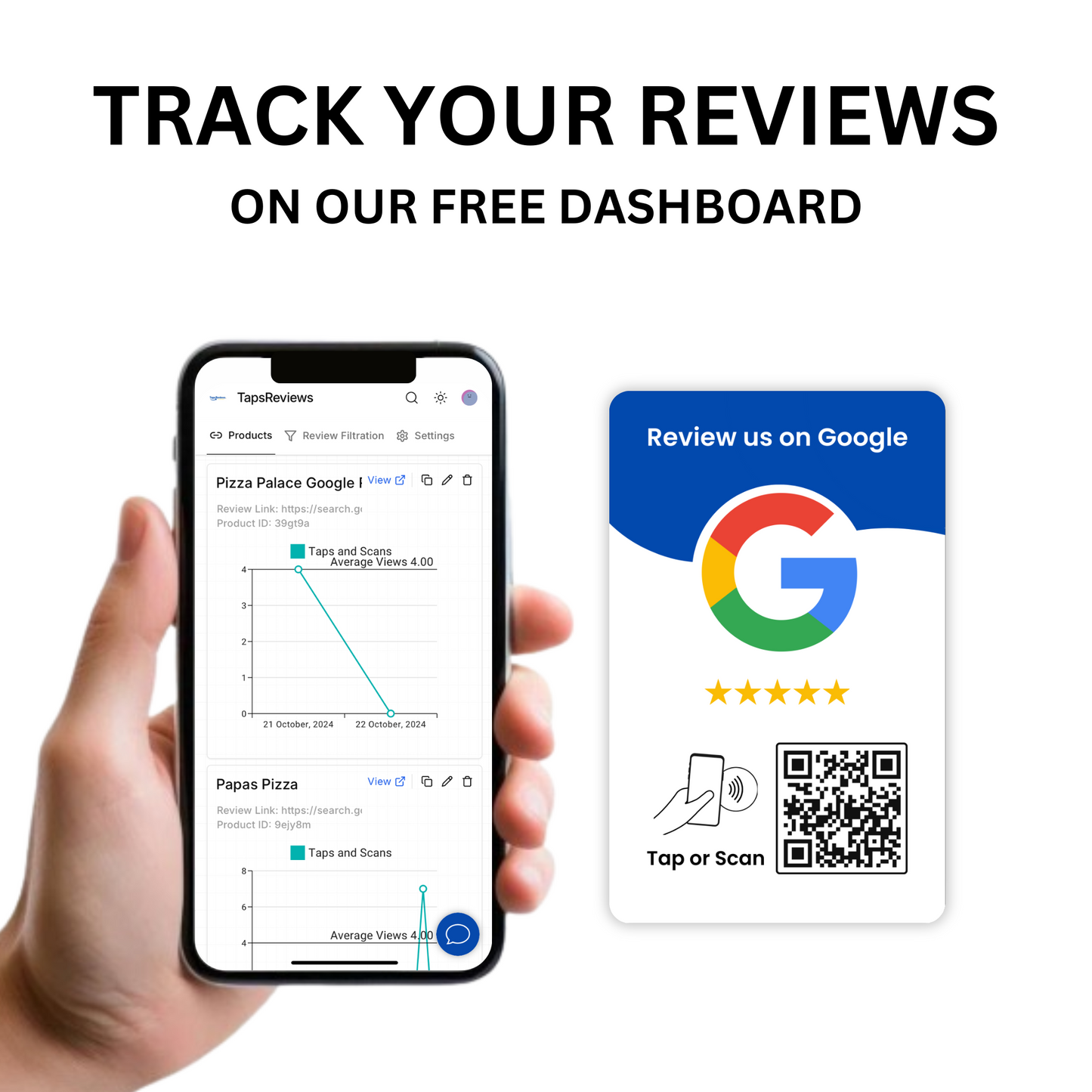
Your free dashboard shows how many times each card has been scanned, lets you download its QR code, and lets you change where the card points at any time. If you move or rebrand, disconnect the card and connect it again.

Card, stand or plate?

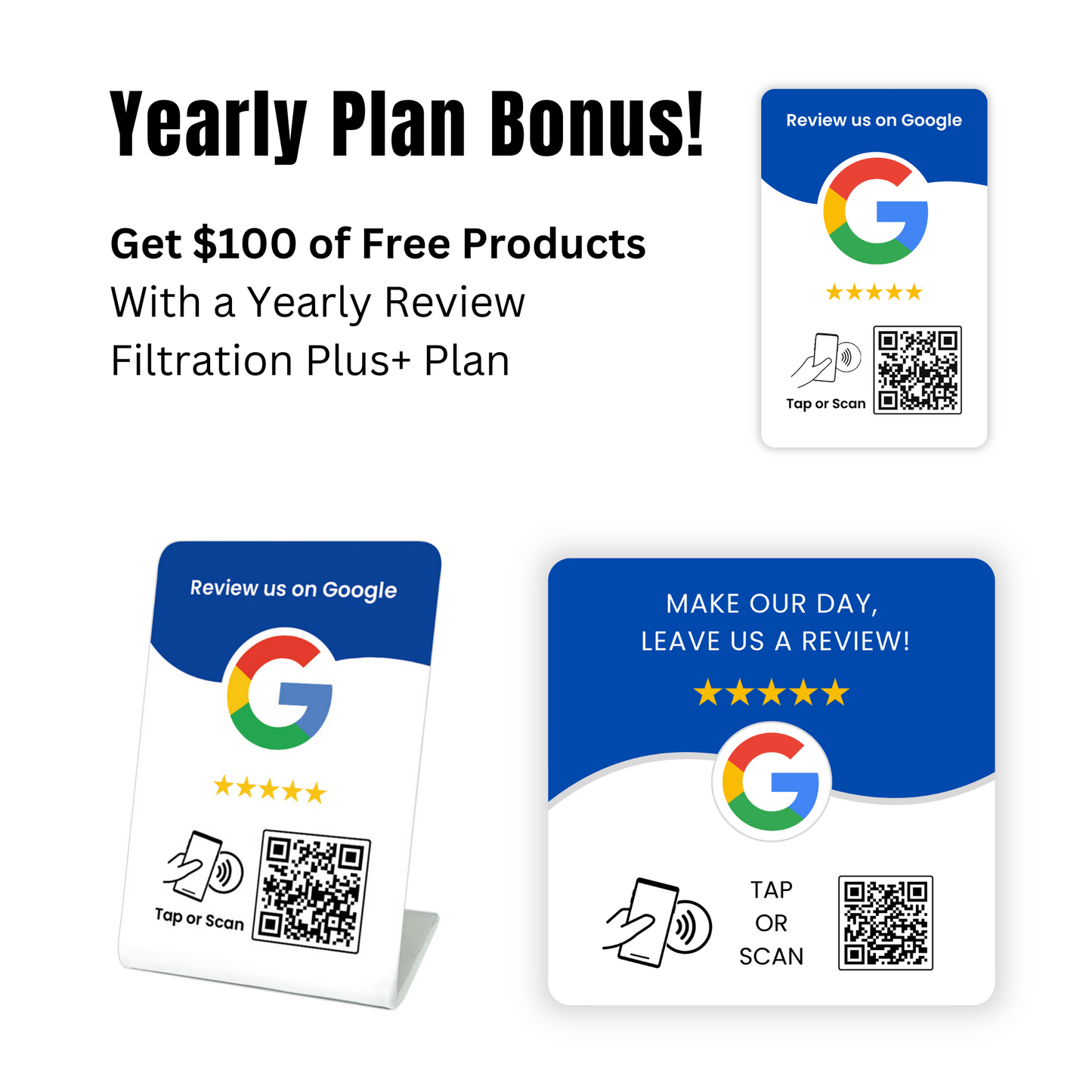
  • Google review card: wallet-sized. Best for staff who hand it to customers, check presenters, delivery drivers and service visits.
  • Google review stand: sits on a counter or reception desk where customers wait or pay.
  • Google review plate: sticks flat to a table, wall, door or register.

Many businesses use a stand at the front desk and cards for staff. Bundles combine them at a lower price.

Pricing

  • 1 card: $24.99
  • 2 cards: $39.99
  • 3 cards: $49.99
  • 5 cards: $69.99
  • 10 cards: $89.99

Buying for many locations or reselling to clients? See bulk orders or the 50-pack.

Who uses Google review cards

Salons, dentists, restaurants, cafes, auto shops and dealerships, clinics, banks, hotels and home service businesses. Anywhere a customer has just had a good experience with a person is a good place for a card.

Frequently asked questions

Do Google review cards work with iPhone?

Yes. Most modern iPhones read NFC with a tap, and every iPhone camera can scan the QR code.

Is there a monthly fee?

No. The card and the dashboard are a one-time purchase, and each card can be scanned an unlimited number of times.

Can I point a card at a different business or link later?

Yes. Change the link from your dashboard at any time, or disconnect the card and connect it to another business.

Can it open something other than Google?

Yes. During setup you can paste any link, such as a Yelp, Facebook or TripAdvisor review page.

How fast does it ship?

Orders ship from the United States and usually arrive in 3 to 5 days. Shipping is free on orders of $60 or more, and returns are accepted within 90 days.